Camera to master.
One login.
Send dailies, review with clients, hand files to color and sound, deliver the final cut. The whole post workflow lives here.

When you get back from the day in the field and sit down to watch the dailies, everyone gathers around. On a good day, the whole room turns into chimps. That excitement… that’s what we call chimping.
chimping.io takes that feeling and carries it through the whole post process.
The workflow
Five steps. One tool.
01
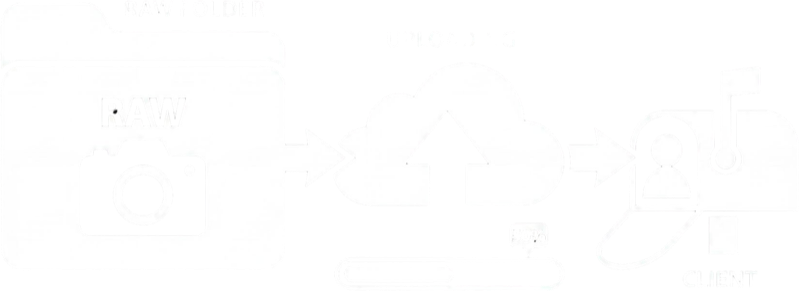
Send dailies + create a Project Sync
Drop a camera-card folder onto the transfer upload. File structure stays intact end-to-end, auto-resumes when the Wi-Fi drops. Or start a Project Sync: point the Mac app at your project folder and the whole team works out of the same tree, on every machine.
Desktop app
02
Review with the client
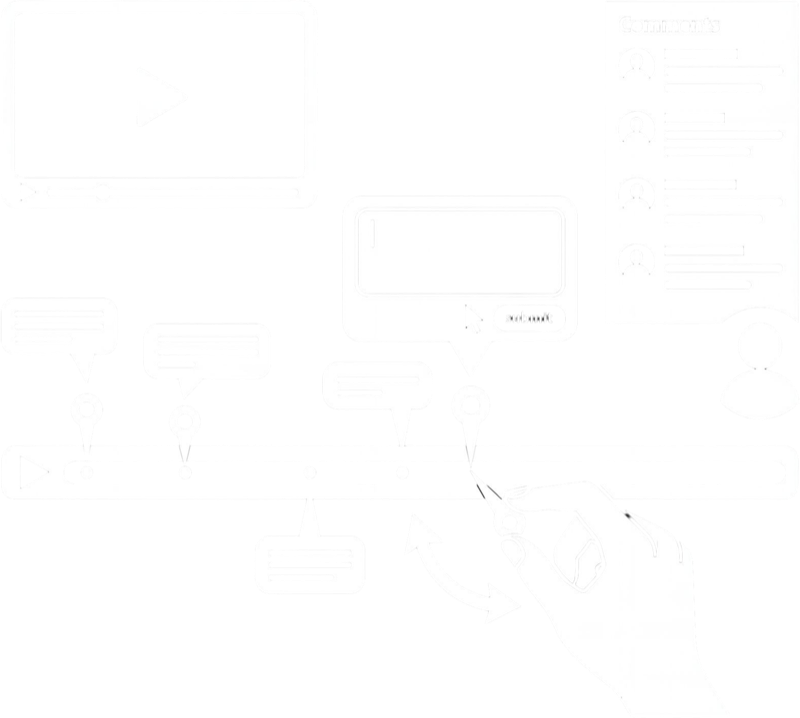
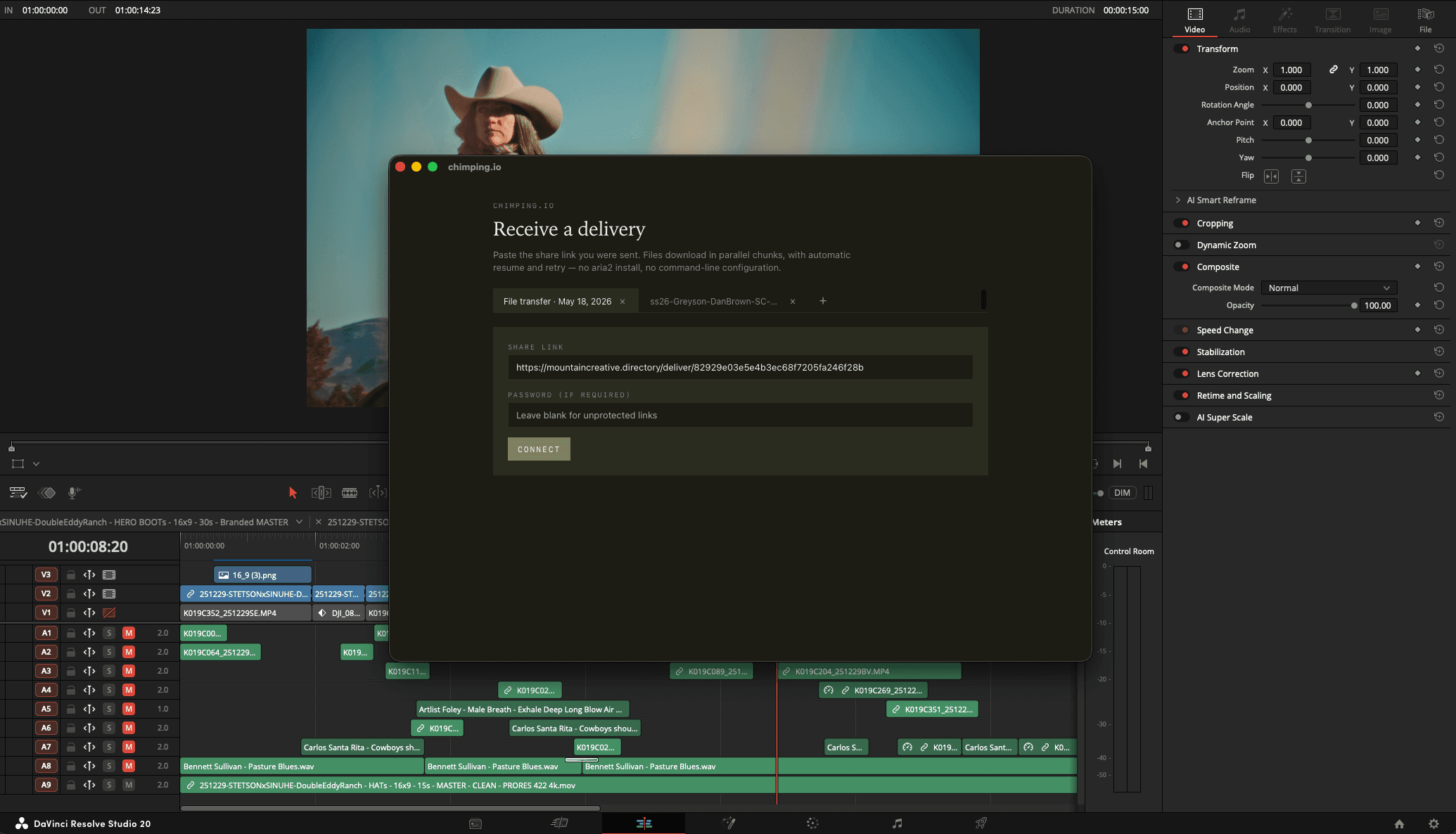
Share a private video review link. Comment on timecode. Transfer comments from the review link to DaVinci Resolve with the Chimping.io Resolve app. Comments show up as markers on the sequence / timeline. No more going back and forth between windows once comments are in.
Video review
03
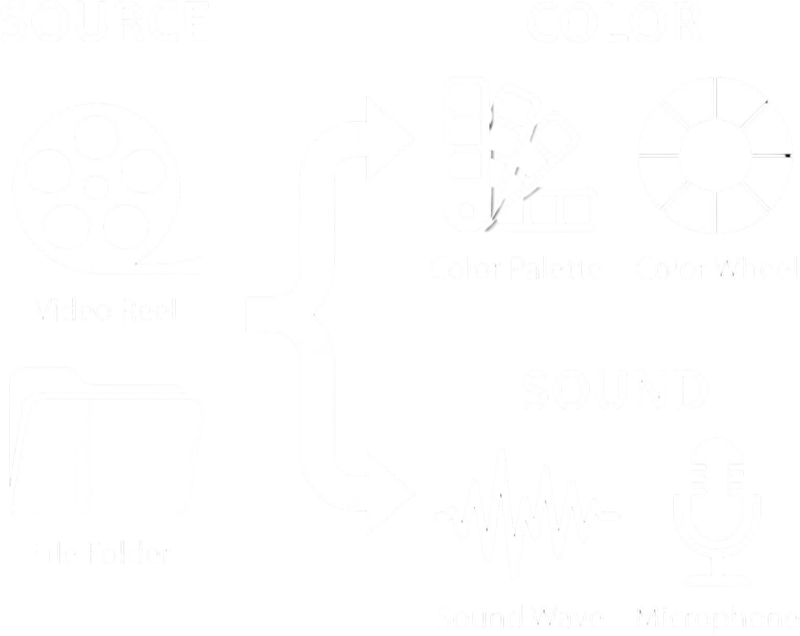
Send files to color and sound
One transfer link per handoff. Flat-rate monthly: no per-GB charges (unless you need to upgrade for the specific transfer). Links live 7 days, plenty of time for color and sound to grab the bundle.
Send-Ship
04
Receive renders back
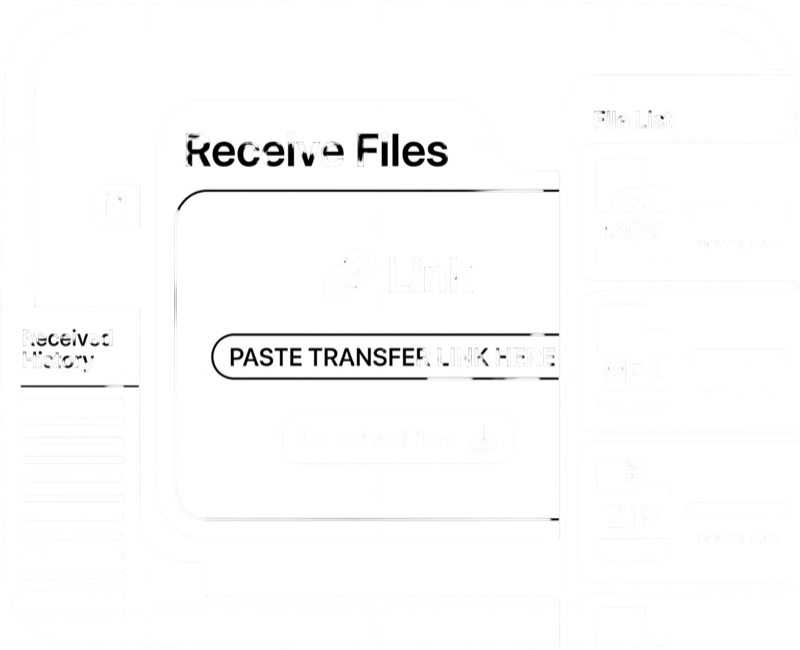
Send a one-off upload link. Color and sound drop the graded master and stems back to you. No chimping account needed on their side.
Receive
05
Deliver the master
Upload the final cut once. The link stays good for the life of the project, password-protected, no expiry. Ability to have the entire project in one deliver link with folders as needed.
Deliveries
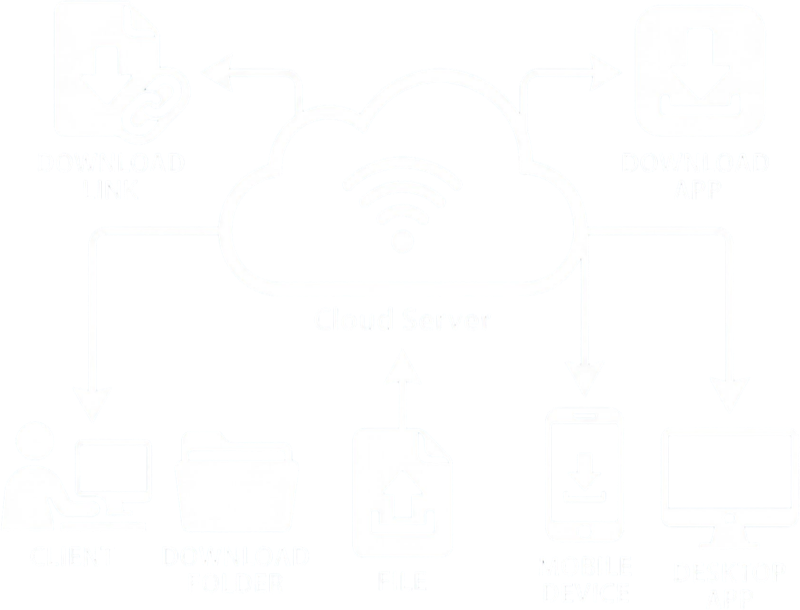
“Hey, can you get me access to that Dropbox folder?”
The moment a client asks this, you’ve already lost the workflow. They wanted to download a file. They got a permission request.

Three plans.
Solo
$9/mo
500 GB storage · 3 hr review
30 min encoding / mo · 300 GB transfer / mo
For the solo filmmaker and shorter projects.
Start Trial + JoinStudio
$19/mo
1 TB storage · 10 hr review
90 min encoding / mo · 750 GB transfer / mo
For short to medium length films.
Start Trial + JoinPro
$35/mo
2 TB storage · 25 hr review
180 min encoding / mo · 1.2 TB transfer / mo
For episodic and documentary filmmakers.
Start Trial + Join3-day trial on every plan. Cancel before day 4 to avoid the charge.
Flex your tier to your workload
Heavy upload month? Upgrade to Studio for the cycle, do the work, drop back to Solo at your next billing date when things quiet down. Big dailies push that exceeds your transfer cap? Upgrade for the month, send the files, downgrade. You’ll be back at Solo when the next cycle starts. Upgrades are prorated (pay only for the days at the higher tier); downgrades take effect at your next billing date, so you keep the higher caps through the rest of the cycle you’ve already paid into.
Built for the working freelancer
One tool instead of four.
Most of us are juggling a review tool, a per-GB transfer service, a folder share, and a cloud backup. Four logins, four bills, four awkward moments when a client asks where they’re supposed to download something.
A desktop app for the files
a browser can’t handle.
Parallel-chunk uploads, auto-resume, exact file structure preserved. 100 GB master folders go in the background while you go to dinner.
New · Project Sync
The project folder,
on every machine.
Point the Mac app at your project folder and the whole team works out of the same tree. A file anyone adds lands on every machine within minutes, folder structure intact. Uploads resume when the wifi drops, and your local edits always win over the cloud copy.
01_VIDEOREVIEW/
Flag a folder for review. Drop an export in it on your desktop and it shows up on the client’s review link, encoded and ready for timecode comments.
10_MASTERS/
Flag a folder as masters. Anything you put in it lands on the project’s master delivery link. Password-protected, no expiry, folders preserved.
Right-click a folder, in the app or on the site, to flag it. After that, dragging a file into a folder is the whole publish step.
No DaVinci Resolve required. Export from Premiere, Final Cut, Avid, or anything else straight into the folder. The app waits until your export finishes writing, then uploads it on its own.
Also recently added
Frame.io migration
A free one-time Mac app that moves a whole Frame.io library here: originals, folder structure, version stacks, and timecoded comments, all intact. chimping.io/migrate
Transcripts
Every review video can be transcribed automatically. Read along with timecodes, edit the text, export .srt or plain text for captions and paper edits.
Replies + reactions
Reviewers can reply in a comment thread and 👍 what they agree with. They can opt into an email when someone answers them, so notes don’t die on the page.
Extend a transfer
A 7-day transfer link that ran out gets another 7 days in one click. No re-upload, it just counts against your monthly transfer allowance again.
Resolve markers
Pull client comments straight onto your DaVinci Resolve timeline as markers with the chimping.io Resolve app. No window-switching while you address notes.
Compare to your current tool
One login. From the card to the master.
Cancel before day 4 to avoid the charge.